WordPress since 2020
From responsive builds and migrations to content-heavy platforms.

Who am I?
Said Abdullahi / A-SAID
WordPress PHP Laravel SEO VPS & Web Infrastructure
I’m a developer based in Ghent, Belgium, with practical WordPress experience since 2020. My formal IT education and independent, project-led learning meet in the work I do: responsive websites, custom plugins, web applications, SEO, performance, APIs and the infrastructure behind them.
Ghent, Belgium · Open to new opportunities
From responsive builds and migrations to content-heavy platforms.
Purpose-built plugins, PHP functionality, REST APIs and integrations.
Practical work with VPS hosting, DNS, CDN, caching and performance.
Websites, Laravel services and Android products built to solve problems.
My journey
2020 Blogger & WordPress
I started working seriously with Blogger and WordPress in 2020.
At the beginning, WordPress attracted me because it made it possible to create websites without having to build every component from scratch.
However, the more I worked with WordPress, the more interested I became in understanding what was happening behind the website.
Following the curiosity
I wanted to understand questions such as:
From questions to practice
These questions pushed me beyond simply using WordPress as a website builder.
I gradually started learning HTML, CSS, PHP, JavaScript, MySQL, APIs, server management, SEO and web performance.
That curiosity led naturally into PHP, JavaScript, MySQL, hooks, custom post types and API integrations. SEO and performance became part of the same picture; hosting and VPS administration added the infrastructure layer; Laravel and Android development expanded the range of products I could explore.
Instead of only telling people “I know WordPress,” I prefer to show what I have actually built.
Development journey
Each step began with a practical need. Building, testing and troubleshooting real projects turned individual technologies into a connected understanding of the web.
Foundation
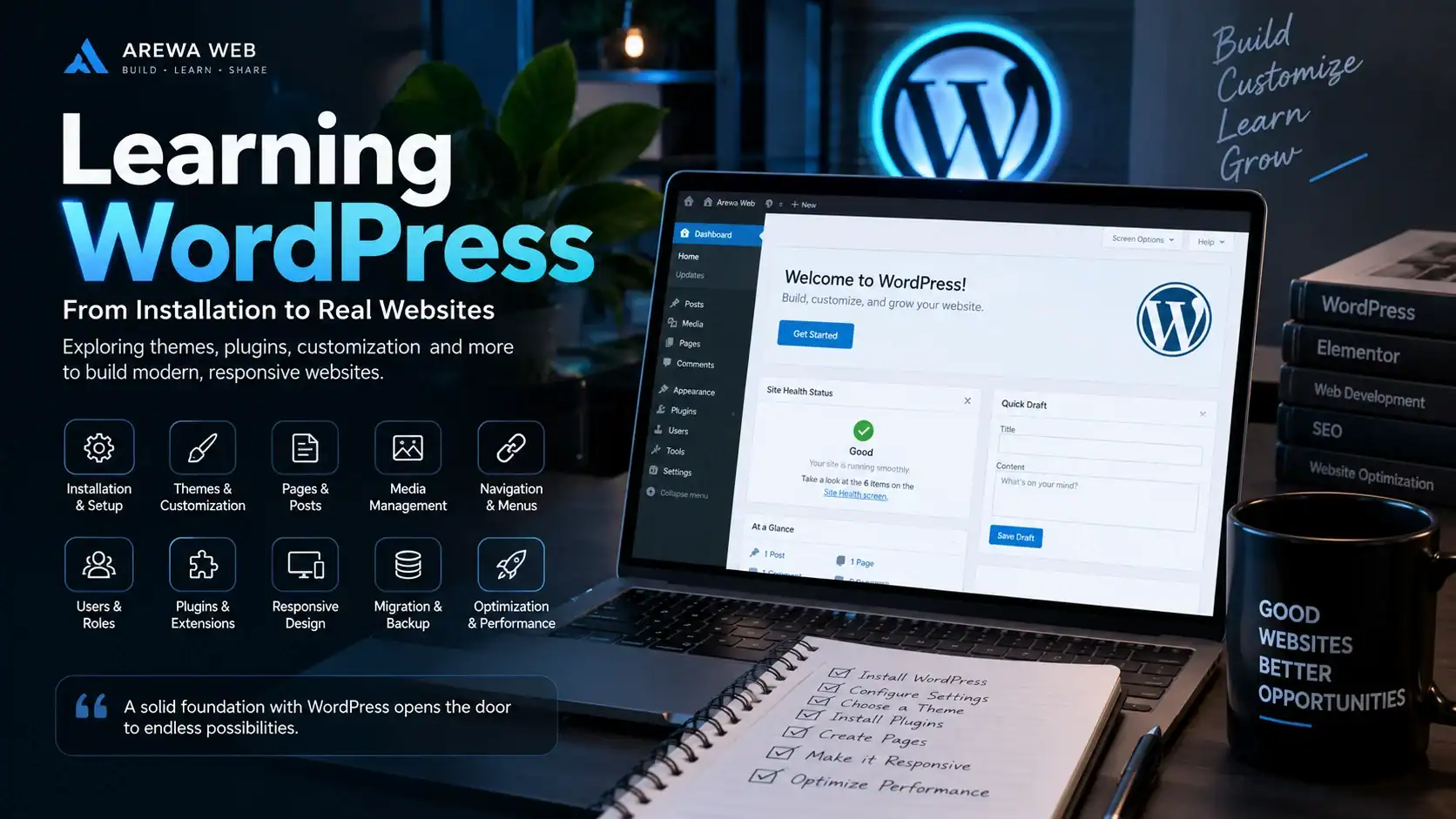
WordPress became the foundation of my development journey. I learned installation and configuration, themes, pages and posts, media, navigation, users, plugins, migrations, troubleshooting and optimization. Working with larger content libraries also taught me to think beyond individual pages.
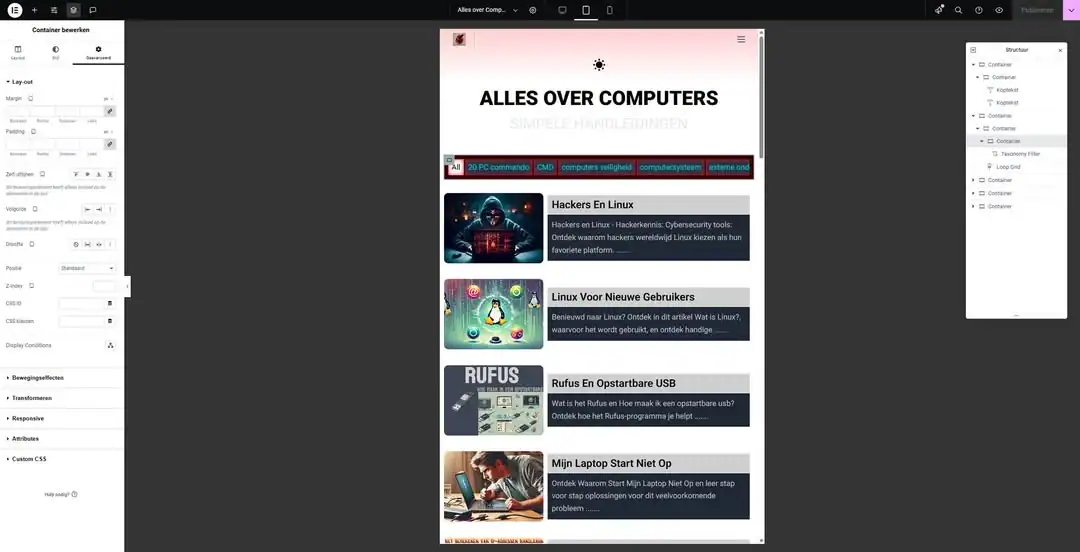
Elementor and Elementor Pro helped me explore responsive interfaces and modern layouts while combining visual development with custom HTML and CSS. I now use them to build complete website experiences adapted to a project’s specific needs.
Deeper development
I did not want my knowledge to stop at page building. Understanding the development side of WordPress meant learning PHP, JavaScript and MySQL, then applying them through hooks, actions, filters, custom post types, taxonomies, AJAX, JSON and the WordPress REST API.
The question changed from “Which plugin can do this?” to “Can I build this functionality myself?” That mindset made custom functionality and external API integrations a natural next step.
Core specialization
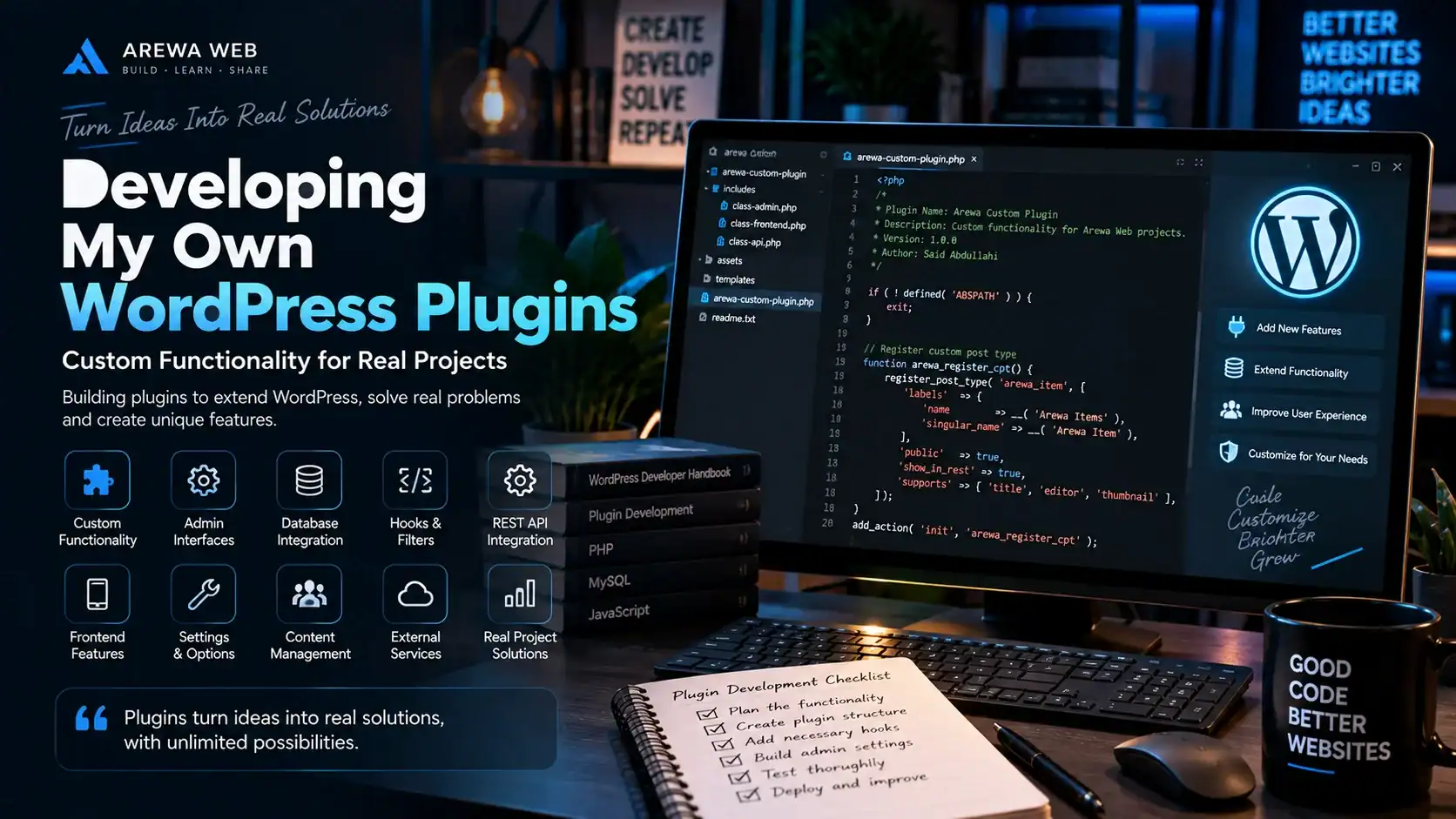
Custom plugin development is one of the parts of WordPress I enjoy most. When an existing plugin does not fit a project properly, a focused custom solution can add the required functionality without forcing the website into someone else’s workflow.
I have built plugins for content management, recently viewed content, mobile navigation, APK management, site-specific functionality and integration with external services. This work has involved plugin structure, actions and filters, admin interfaces, custom settings, database functionality, frontend integration and REST APIs.
Building plugins taught me to treat WordPress as an application platform, not only a content editor.
Discovery & quality
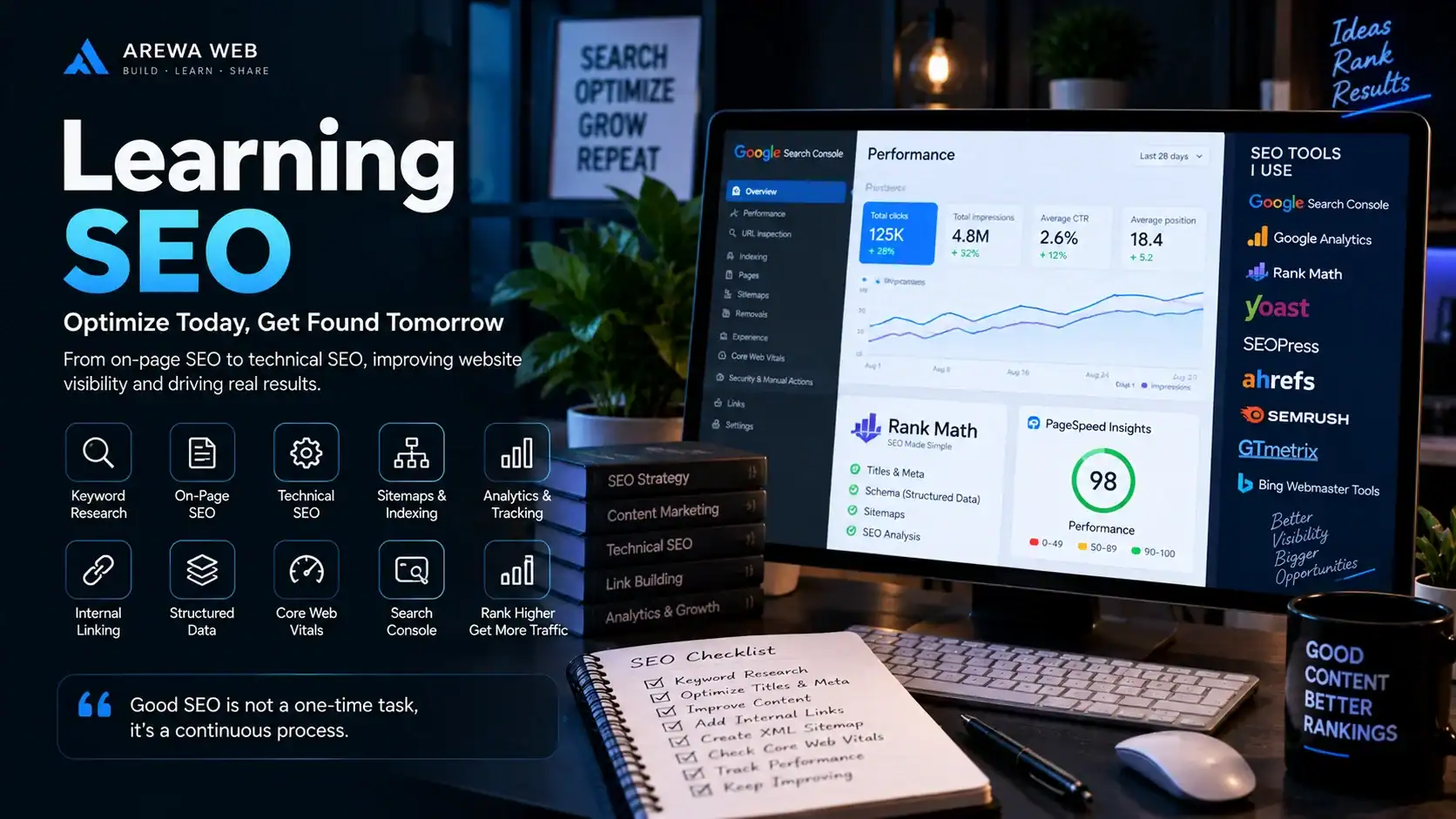
A website must be accessible to search engines as well as people. I learned technical and on-page SEO through website architecture, metadata, XML sitemaps, indexing, crawlability, structured data, rich results, internal linking and Core Web Vitals.
SEO is especially valuable to me because it connects development, content, performance and user experience. A technically sound site gives every part of that work a stronger foundation.
Speed across the stack
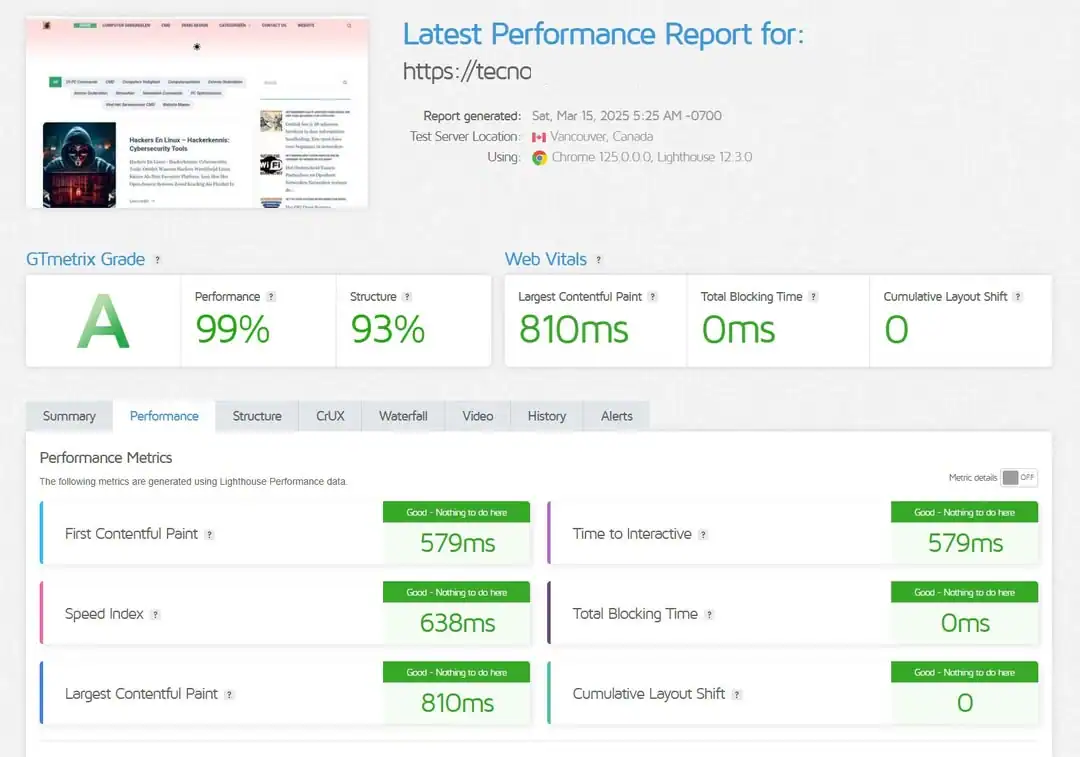
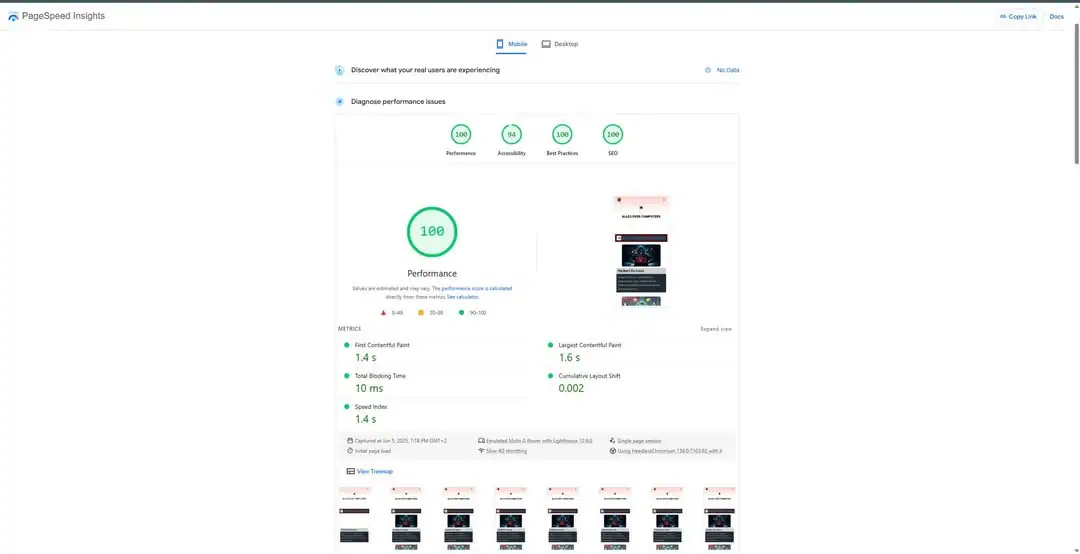
A beautiful site still fails its users when it is slow. My performance work covers caching, CDNs, Cloudflare, LiteSpeed and LiteSpeed Cache, object caching, database and image optimization, PHP configuration, server performance and Core Web Vitals.
I look for the actual bottleneck instead of treating another optimization plugin as the automatic answer. Performance is the result of connected layers.
Infrastructure
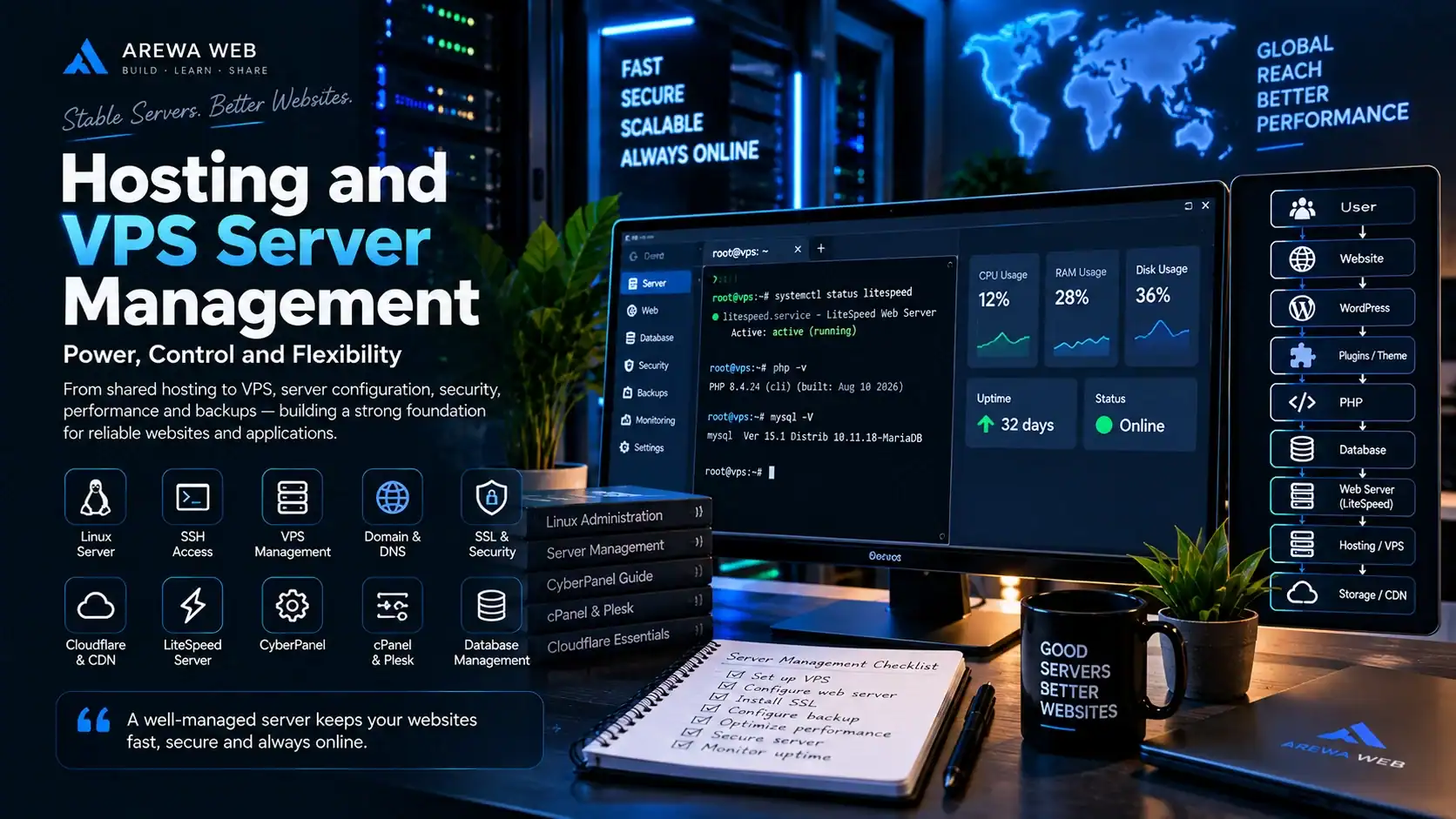
Learning how websites run changed the way I approach WordPress. I have practical experience with shared and managed WordPress hosting, VPS servers, Linux, SSH, PHP, MySQL, LiteSpeed Enterprise, CyberPanel, cPanel, Plesk, Cloudflare, DNS, SSL, CDNs, object caching and external storage.
I have configured hosting environments, migrated sites and investigated problems involving servers, databases, PHP, DNS, SSL and performance. WordPress is not separate from its infrastructure; each layer affects the next.
A website is a connected system
My IT Education
CVO Groeipunt · Ghent, Belgium
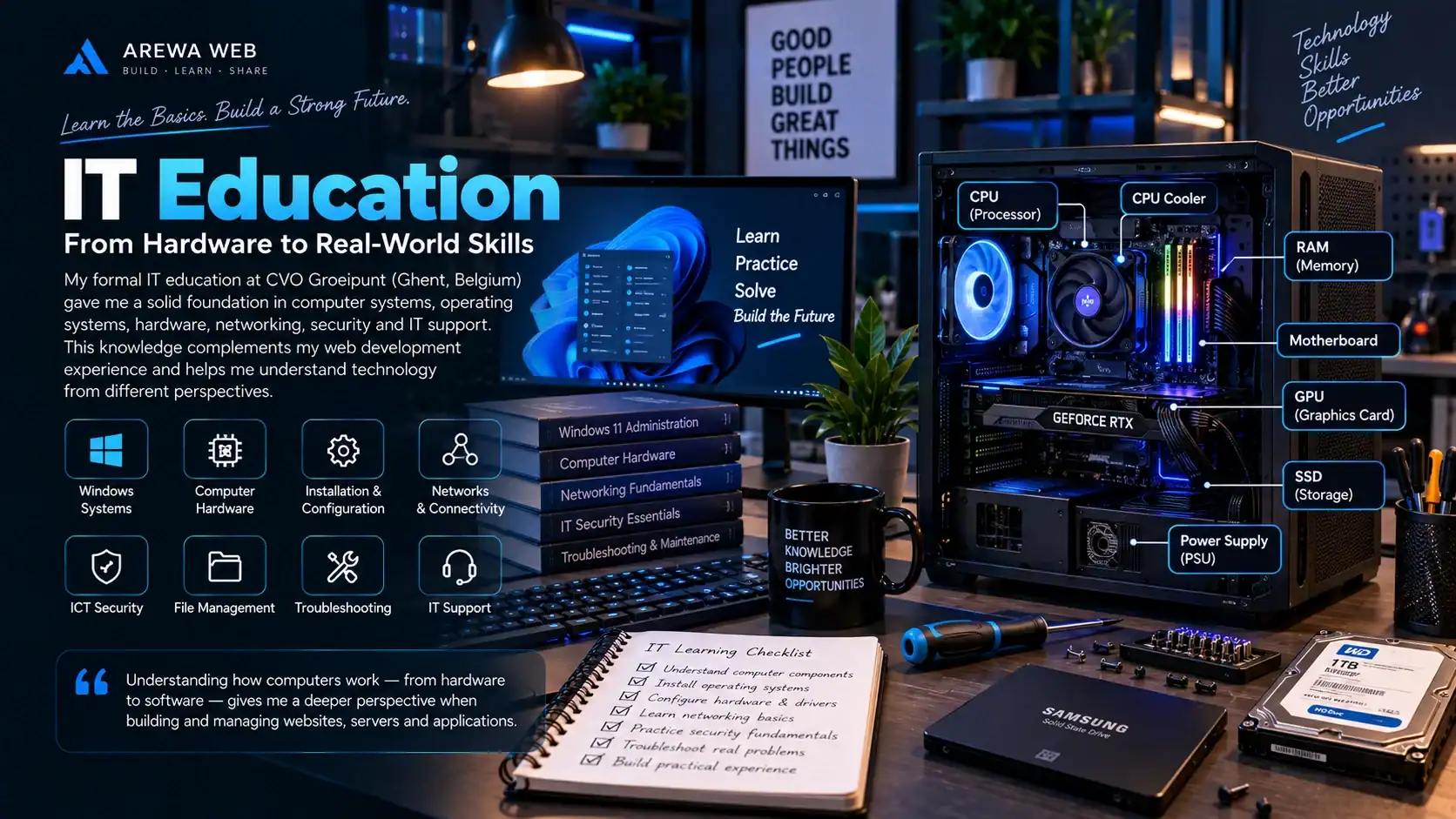
My interest in technology extends beyond web development. At CVO Groeipunt, I studied computer systems, Windows, hardware, networks, ICT security and general IT support. This education helped me understand how computers are configured, maintained, secured and connected, from initial installation through everyday use.
These practical foundations complement the development knowledge I have gained independently. They give me another perspective when investigating a website, working with hosting or helping a user resolve a technical problem.
Formal IT foundation
Practical development
01 / Files & data
I learned to work efficiently with the Windows file system: organizing documents and data, managing folders and understanding how permissions affect access. This included everyday file operations as well as basic troubleshooting across different storage locations.
These skills support IT assistance, development, server management and the organization of digital projects.
02 / Operating systems
Installing and configuring Windows gave me a better understanding of the full life of an operating system, from preparing a computer for its first user to keeping it usable and maintained over time.
This work connects the software a person uses with the underlying system configuration that makes it function.
03 / Hardware
My studies covered computer components and the relationship between hardware, operating systems and software. I learned how different parts work together and how to approach basic hardware configuration and maintenance.
Understanding these relationships helps me consider the system as a whole when investigating a technical issue.
04 / Protection & access
ICT security introduced me to the basic principles of protecting computers, systems and data. The emphasis was on recognizing common risks, managing access and applying sensible security practices in everyday computer use.
This foundation is useful when working with WordPress, hosting environments, websites and online services.
05 / Connectivity
Networking studies helped me understand how computers communicate locally and over the internet. I gained fundamental knowledge of network addressing, equipment, connections and the steps involved in diagnosing connectivity problems.
This knowledge also supports my work with web hosting, VPS servers, DNS, Cloudflare, APIs and online applications.
Putting it together
My formal education gave me a foundation in computers, operating systems, hardware, networks, security and IT support. Independent projects allowed me to build on that foundation through WordPress, PHP, JavaScript, MySQL, APIs, SEO, hosting, VPS management, Cloudflare, Laravel and Android development.
When I work on a WordPress website, I can consider more than its page design. The operating system, server, network, DNS, security, database and PHP environment can all influence the application and the experience delivered to users.
This combination helps me approach technical problems from different perspectives. It is also one of the reasons I enjoy technology: understanding how the parts connect makes both development and troubleshooting more meaningful.
Core technology stack
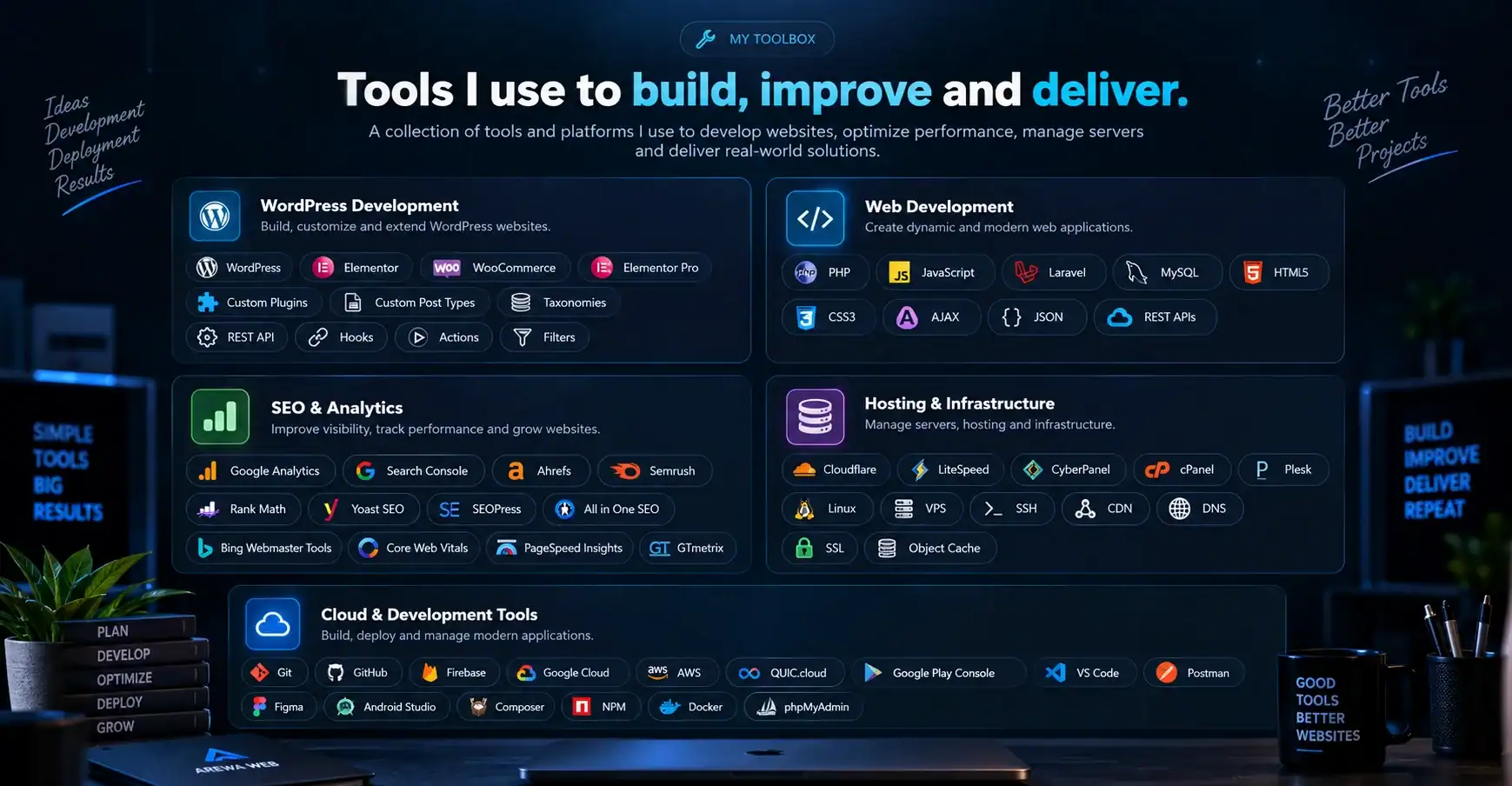
WordPress is my strongest specialization, supported by practical work across development, SEO, databases, hosting, cloud services and mobile products.
Featured projects
These projects have been my working laboratory: places to solve content, performance, infrastructure, application and mobile experience problems in context.
A WordPress-based Hausa video and content platform where storage, database performance, video delivery, caching, server resources and large content management all matter. It brings together custom plugins, video players, memberships, external storage, CDN delivery, SEO, VPS hosting, Firebase, Google Cloud and performance optimization.
A responsive digital-services application built beyond the WordPress ecosystem. Working with PHP, Laravel, MySQL, APIs and user management has supported services for internet data and VTU, electricity payments, examination PINs and currency exchange functionality.
A mobile-focused platform for preserving and publishing Hausa novels online, with external book storage, PDF viewing and custom WordPress functionality designed around comfortable reading on smaller screens.
A content-focused WordPress site for breed histories, origins, characteristics and comparisons. The project emphasizes structured publishing, readable interfaces, SEO and information architecture.
A WordPress image gallery for AI-generated book covers, mockups and visual resources. It explores a simple discovery experience for authors and creators using galleries and internal media storage.
An Android multimedia application for video and music playback, galleries and media management. The project extends my development work into mobile interfaces and everyday media experiences.
I have also created demonstration stores with WordPress, Elementor Pro, WooCommerce and Stripe. These projects let me explore how products and product categories, shopping functionality, customer accounts and payment gateways fit together in a responsive store. They have given me practical experience with WooCommerce configuration and the structure of an online shopping experience.
How I learn
For me, learning does not end after a course or a documentation page. It becomes useful when it is applied, tested and improved in a real project.
Start with something useful to build or a specific issue to solve.
Study documentation, APIs, libraries and existing approaches.
Turn the research into a practical working solution.
Check the expected behavior and look deliberately for problems.
Trace what failed, where it failed and why it happened.
Make the working result faster, cleaner and easier to maintain.
Return to the project as new knowledge creates better options.
Problem solving
A slow or broken WordPress site can have many causes. I work systematically through the stack, use the evidence available and narrow the problem before changing the system.
Working with a team
I can support the day-to-day work behind WordPress websites—from interface building and maintenance to custom functionality, integrations, migrations, SEO, performance and infrastructure troubleshooting.
WordPress websites, Elementor interfaces, WooCommerce, migrations and existing-site maintenance.
Custom functionality, plugin development, PHP, REST APIs and external integrations.
Technical SEO, performance optimization, LiteSpeed, Cloudflare and database troubleshooting.
I want to deepen my experience with communication, documentation, teamwork, Git workflows, coding standards, business requirements, deadlines and maintaining shared systems.
Development philosophy
Design, search visibility, code and infrastructure are different views of the same product. I try to understand each perspective while keeping the user’s experience at the center.
Why I created Arewa Web
Arewa Web is my developer platform, portfolio and place to experiment. It gives me one home for documenting projects, publishing WordPress plugins, sharing Android applications, developer resources, tutorials and other useful digital work.
“I prefer to show what I have actually built.”
Professional goals
I already work across PHP, JavaScript, Laravel, WordPress architecture, REST APIs, databases and cloud infrastructure. My goal is to deepen that practical knowledge in a professional environment.
Looking for new opportunities
I am based in Ghent, Belgium, and interested in WordPress Developer, Web Developer, WordPress / Elementor, PHP development, WordPress & SEO and website development opportunities. I am also open to the right junior Web Developer or PHP role where my WordPress experience since 2020 and wider technical perspective can add value.
Ghent
Belgium
Let’s work together
I’m interested in development opportunities, collaborations and projects where I can contribute my WordPress and web development experience while continuing to grow professionally.